An Animation Production Workflow for YouTube: From Script to Shorts
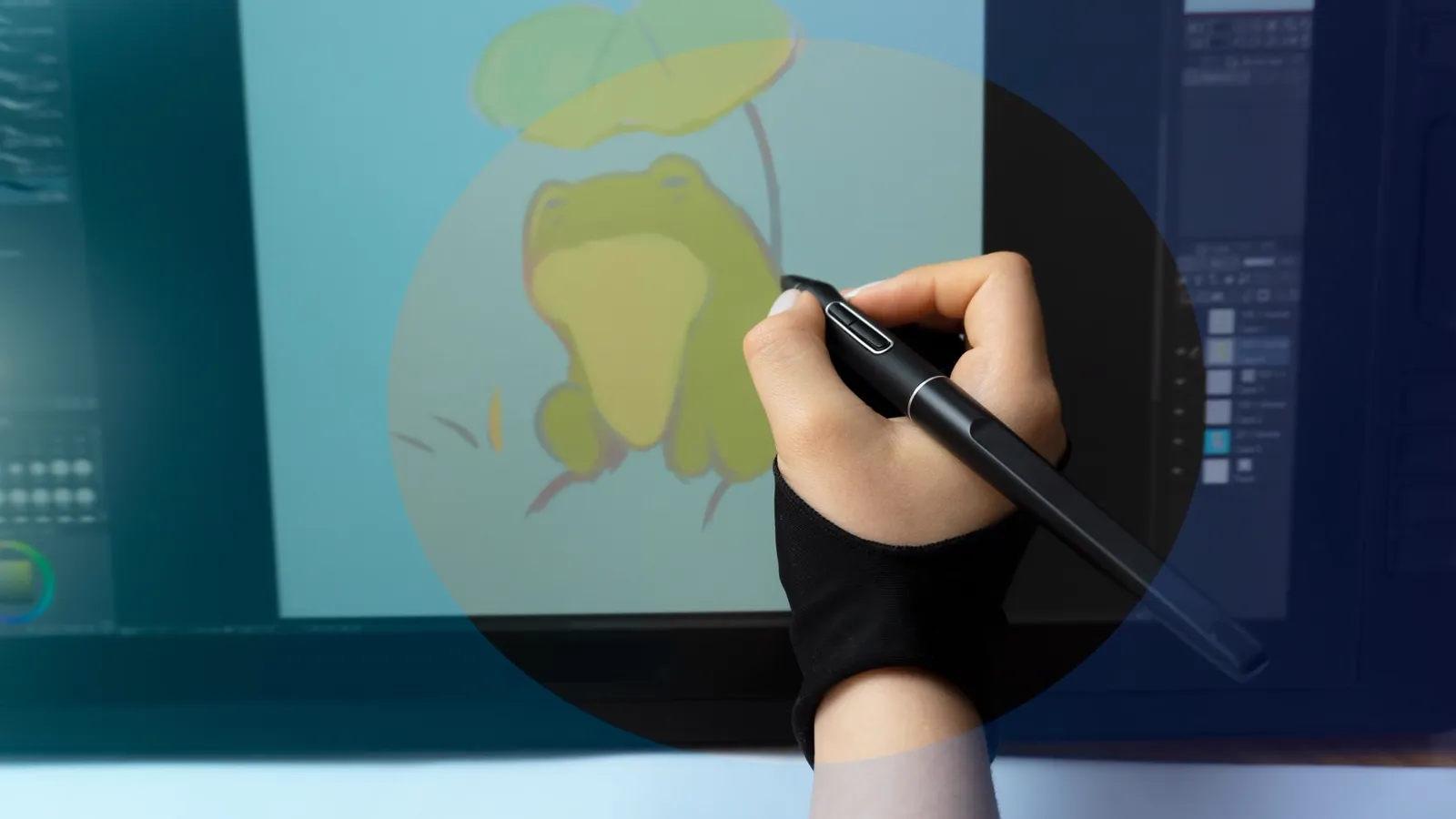
Animated content has advantages few other formats can match. You don’t have to appear on camera, you aren’t tied to a location, and you can explain abstract ideas with visuals that are easy to follow. Animation channels also tend to be safer from reused content problems, since almost every asset is made in-house.
The hard part is the process. Animation takes time, and without a clear workflow a single video can drag on for weeks. Here is the workflow we use for the animation and kids’ song channels we run ourselves, from the first idea to the Shorts cut-downs.
1. Decide on your niche and format
Before you draw anything, settle two things: who the channel is for, and what the format looks like. Some common options:
- Explainers: history, science, finance, “what if” scenarios. Adult audience, needs a strong script.
- Stories: horror, drama, moral tales. Relies on narration and atmosphere.
- Kids: songs, letters and numbers, short stories. Bright visuals, slow pacing, repetition.
- Music: lyric videos, visualizers or animated loops for songs.
Pick a format you can produce again and again at a steady level of quality. A format that is too complex will make your schedule hard to keep.
For kids’ content, remember that YouTube requires you to mark videos as “Made for Kids” if they are aimed at children. That turns off some features, such as comments and personalized ads. Factor this into your monetization plan.
2. Write the script for retention
The script matters more than anything else, even in animation. Viewers will forgive simple drawings, but they rarely forgive a boring story.
A few scripting principles that help viewers stay:
- Open with a question or a situation in the first 10 to 15 seconds. Get straight to the point, no long introductions.
- Make a promise and deliver on it at the end. For example, “by the end of this video you’ll know why…”, and then actually answer it.
- Break it into short sections. Every one to two minutes, change something: a new fact, a twist or a scene change.
- Write for the ear, not the eye. Short sentences, everyday words, not too many numbers in a row.
- Read it out loud before recording. The parts where you stumble are usually the parts where viewers get bored.
As a rough guide, narration at a relaxed pace runs about 130 to 150 words per minute. An eight-minute video means a script of around 1,100 words.
3. Make a simple storyboard
A storyboard doesn’t need to be pretty. Its job is to make sure every line of the script has a visual before you spend time animating.
A practical way to do it:
- Split the script by sentence or by idea.
- Next to each part, write or sketch the visual: which character, what expression, what background, what on-screen text.
- Mark the scenes that can reuse existing assets.
- Mark the scenes that need new assets, then gather that list before production starts.
A storyboard also helps when you work with a team. The animator doesn’t have to guess what the writer meant.
4. Record the voice-over
Voice-over is half of the experience of watching an animation. Your options:
- Your own voice. The cheapest and most personal. You need a decent microphone and a room without echo.
- A voice actor. A more professional result, good for channels that want a distinctive character voice.
- A synthetic voice. Usable, as long as it is edited well: pacing, pauses and pronunciation checked by hand. Flat narration full of mispronunciations is one of the telltale signs of low-effort content.
Tip: Record the voice-over before you animate, not after. Animation that follows the rhythm of the voice feels far more alive than a voice forced to match the animation. For kids’ songs, lock the final version of the song before you start animating.
5. Choose a realistic animation style
Your animation style decides how long each video takes to finish. Pick one that fits your skills and your target schedule.
| Style | Strengths | Good for | Production load |
|---|---|---|---|
| Stick figure | Fast, focused on the idea, easy to keep consistent | Explainers, “what if”, comedy | Low |
| 2D explainer (motion graphics) | Clean, clear, easy to repeat with templates | Education, business, finance | Medium |
| Kids’ animation (2D or 3D characters) | Kids love it, characters can become a brand | Kids’ songs, short stories | High |
| Lyric video or visualizer | Focused on the music, relatively quick to produce | Music channels, lofi | Low to medium |
The key to efficiency is an asset library. Finished characters, expressions, backgrounds and transitions can be used again in later episodes. This is normal and is not the same as repetitive content, as long as the story and scenes in each video are different.
6. Licensed music and sound effects
Background music and sound effects bring animation to life, but they are also the most common source of trouble. Popular songs used without permission will be caught by Content ID, and the revenue can be redirected to the song’s owner or the video can be blocked in some countries.
Use:
- Music you made yourself, or commissioned music with a clear agreement
- Licensed music libraries that allow YouTube monetization
- The Audio Library in YouTube Studio, paying attention to its attribution requirements
Keep proof of license for every piece of music you use. For kids’ song channels, make sure the songs you perform are in the public domain or that you hold the rights. New arrangements and recordings of old songs still need their copyright status checked.
7. Turn long videos into Shorts
One long video can become several Shorts, and that is an efficient way to reach new viewers. But don’t just cut a clip and change the aspect ratio.
- Pick moments that stand on their own: one interesting fact, one twist, the catchiest part of a song.
- Reframe for vertical 9:16. Keep characters and text in the center, away from the areas covered by buttons and captions.
- Add a hook in the first second. Big text or a question that makes people stop scrolling.
- Point viewers to the long video. Use the related video link feature in Shorts.
8. An upload pace that makes sense
The most common mistake on animation channels is setting targets too high and then stopping in the second month. Some realistic paces for a small team:
- Stick figure or simple explainers: one to two long videos a week, plus a few Shorts cut from them.
- Kids’ animation with characters: one video a week or every two weeks, with Shorts in between.
- Lyric videos or visualizers: can be more frequent, since the visual production is lighter.
Start with a pace you know you can keep, then increase it once your asset library and workflow have matured.
Good animation rarely comes from drawing talent alone. What keeps it going is a tidy workflow: a strong script, a clear storyboard, a voice that is pleasant to hear, reusable assets and a sensible schedule. If you have an idea for an animation channel but don’t have the team or the time to produce it regularly, ngeyutub can help with everything from scriptwriting to production and upload, using the same workflow we use on our own animation channels.
Want your channel run by the same machine?
Free consultation. We'll audit your channel and send an automation plan.